
Free QR Code Generator With No Sign Up: Create QR Codes That Last
Create free QR codes with no sign-up, email, or hidden fees. Generate permanent codes for links, PDFs, and Wi-Fi, then download and test them.
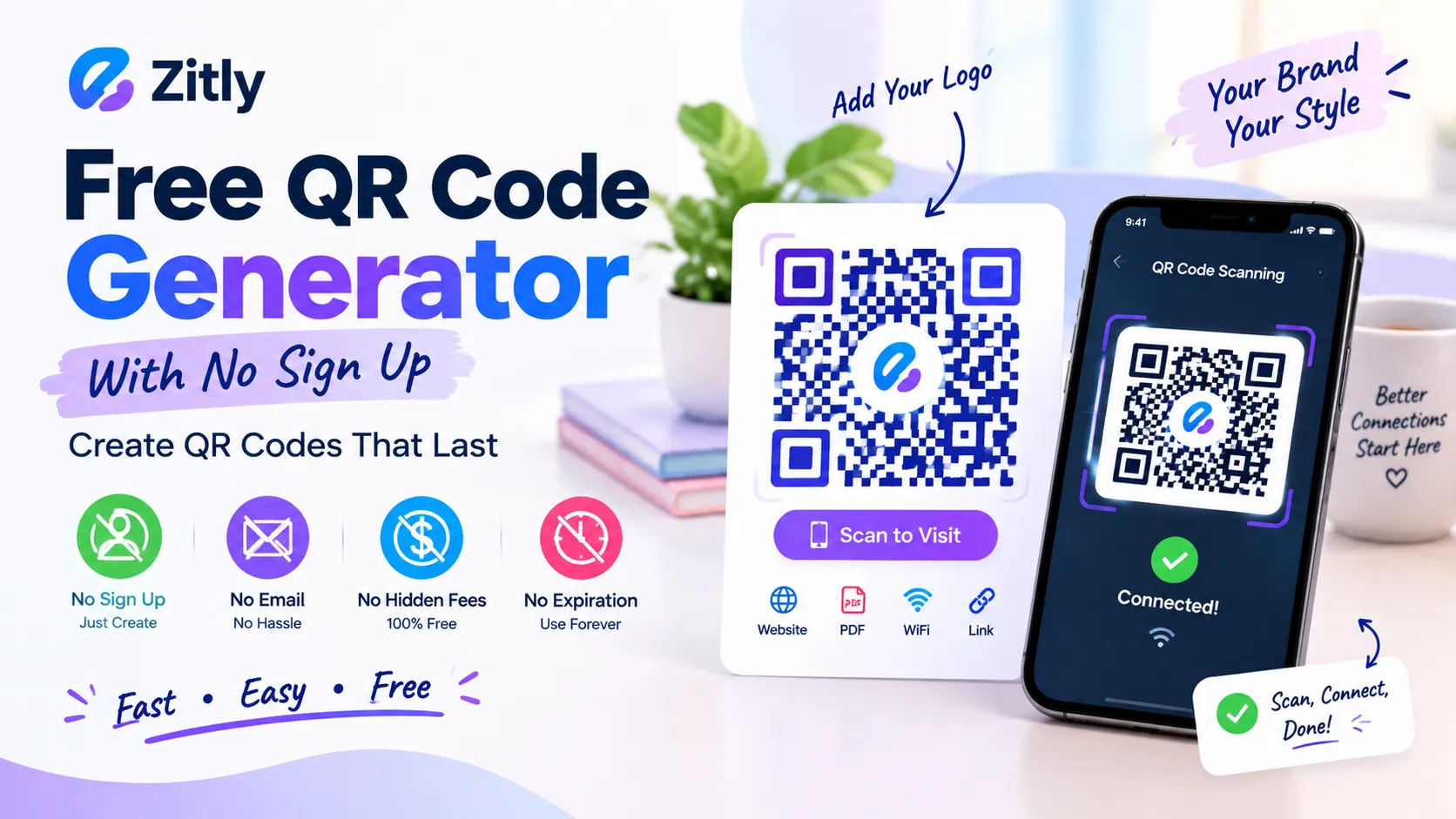
A free QR code generator with no registration lets you make QR codes instantly, no account, email, or payment details required. That sounds simple, but “no sign-up” does not always mean “no catch.” Some tools ask for your email at the download step. Others add a watermark to the image or give you a code that stops working when the trial ends. This guide shows you how to make a clean, permanent code in five minutes. You’ll also discover a five-point checklist for spotting hidden limitations, along with useful tips for creating QR codes for URLs, PDFs, and Wi-Fi networks.
Understanding Free QR Code Generators Without Registration
A free QR code generator with no registration allows you to create a QR code directly in your browser without signing up, sharing your email, or paying a fee. Static QR codes are a reliable option because they store the destination information within the code itself and generally remain usable without a subscription, as long as the linked destination stays available. |
Want to skip the theory? Open an online QR code maker and follow the instructions below to generate your QR code. Readers usually want three promises: no account, no email gate at download, and no expiry. Many tools keep the first promise and quietly break the other two. Knowing which promise a tool breaks saves you from reprinting 500 flyers.
Who Needs a No Sign-Up QR Code? Four Real Scenarios
Cafe owner: you print a menu code once and want it to work for years. Select the static QR code option and use the URL of a menu page that you can keep updated.
Teacher: you add a code to a worksheet before class. Speed matters, so skip any tool that asks for an email.
Landlord or host: you want guests to join WiFi quickly. Set up a guest Wi-Fi network and create a QR code so visitors can connect easily.
The Five Gate Test Before You Trust Any Tool
Run every new generator through five gates. Each takes about a minute, and a tool that fails one gate is not safe for print.
Creation gate: Can you build the code without making an account?
Download gate: Does the download button demand an email, a social share, or a login?
Static gate: Scan your downloaded file and read the decoded text. A provider domain with a short code means the code is dynamic and depends on that company.
Quality gate: Check for watermarks. Make sure the tool exports SVG, or a PNG of at least 1000 pixels.
Privacy gate: Find out whether the tool builds the code in your browser or uploads your data to a server.
Most failures happen at the download and static gates, so test those two first. If the generator meets all five requirements, it should be suitable for creating QR codes for long-term printed materials.
If it fails the static gate, treat the code as temporary and plan for reprinting.
When No Sign Up Stops Being Enough
Static QR codes don't allow you to change the embedded destination link or track scan activity directly.
If you need either, you must sign up somewhere, and that is a fair trade. Pick a service that lets you export your data. Otherwise, point a static code at a page you control, and tag the link with UTM parameters to measure traffic.
Your situation | Best choice | Why |
|---|---|---|
Print once and leave it | Static code | It never expires and needs no account |
Guests joining WiFi | Static WiFi code | The details live inside the code |
A menu or PDF that changes | Static code to a page you control | Update the page, not the code |
You need scan counts | Static plus UTM tags, or a dynamic code | Counting needs tracking or analytics |
How to Create a QR Code Without Creating an Account: Five Steps
This process works for any link, from a menu page to a booking form. If you want a visual walkthrough, read our beginner guide to creating a QR code.
Finalize the link. Open it in a private window and confirm it loads without a login. Use the final address, not a temporary one.
Open a generator. Try Zitly’s QR code generator, which builds codes in your browser with no account, then choose the URL type.
Paste the link. Shorter links make simpler patterns, and simpler patterns scan faster.
Style lightly. Use a dark code on a light background. If you add a logo, set error correction to High.
Download and test. Save SVG for print and PNG for screens. Scan the file with two different phones before you share it.
Free QR Code Generator No Sign Up No Expiration: How to Check
Expiry comes down to one choice. A static code stores your link inside the pattern, so no company can switch it off. A dynamic code stores a redirect address on the provider’s server, so it dies when the trial or plan ends. Our guide to free QR codes with no expiration covers the difference in depth.
Here is a point people often miss. A permanent code does not guarantee a permanent destination. If your code points to a shared drive file and someone deletes it, the code still scans, but it leads to an error. Host important pages on a link you control, and keep that address alive.
QR Code Generator Free No Sign Up for PDF Files
People mean two different things by this query, so here are both.
A QR Code That Opens a PDF
A QR code cannot hold a PDF. It stores roughly 3,000 bytes at most, far less than a typical file. Instead, the code stores a link to the PDF. Follow these steps.
Publish the PDF on a publicly accessible page of your website.
Copy the direct link and open it in a private window to confirm it needs no login.
Copy the PDF’s public URL and enter it into the QR code generator’s link field.
Replace the file later without changing its address, so the printed code keeps working.
A QR Code Saved as a PDF
Some tools export the finished code as a PDF for printers. If your tool offers SVG instead, use it. SVG stays sharp at any size and opens in most design programs.
WiFi QR Code Generator Free No Sign Up
A Wi-Fi QR code allows guests to connect to your network without manually entering the password.
The code stores a short text string in a format phones understand, documented on the ZXing barcode wiki.
It looks like this:
WIFI:T:WPA; S:networkname;P: password;;Choose the WiFi type in your generator.
Enter the network name exactly, including capital letters and spaces.
Pick WPA for most home routers, or choose no password for open networks.
Add the password and mark the network as hidden only if it is.
Test it on a phone that has never joined the network.
One warning matters. Anyone who can scan the code can read the password. Put the code on a guest network, never your main one. Your phone can also make one itself, and Android Help explains how to share WiFi with a QR code. For a deeper walkthrough, read our WiFi QR code guide.
QR Code Generator Free Download No Sign Up: Size and Format
A sharp download matters as much as a working code. Follow these rules before you send a file to print.
SVG: best for print, signs, and packaging, because it scales without blur.
PNG: best for websites and slides. Use at least 1000 pixels wide.
Print size: aim for at least 2 by 2 centimeters, and grow the code as scanning distance grows.
Margin: keep a blank border of about four modules, or phones may fail to detect the code.
Keep the original file. If you lose it, you must regenerate the code and match the old link exactly.
Free QR Code Generator No Sign Up With Logo
A logo builds trust, but it covers part of the pattern. Keep the logo near 20 percent of the code width and set error correction to High. Then test again after every change. Our guide to adding a logo without breaking scans shows the exact limits.
QR Code Generator Free No Sign Up Compared: Canva, Adobe, and More
We build Zitly, so we state its limits plainly. Rules change often, so confirm each detail on the tool’s own site.
Tool | Account to create? | Good for | Watch for |
|---|---|---|---|
Zitly | No | Static codes, WiFi, payment links, PNG and SVG | Static only, so no scan stats |
Not for static codes | Many content types and vector export | Editing and analytics need a paid plan | |
Not for static codes | Logo and design options | Scan stats sit in a separate paid product | |
Canva | Expect a free account | Codes inside a design | Check export and editing rules |
Create in the browser | Branded layouts | Saving may need an account |
Free QR Code Generator No Sign Up on Mobile: App or Browser?
Start with the browser. A web generator works on any phone, needs no install, and asks for no permissions. Many apps limit exports or push a subscription after the first code. Install an app only if you need to work offline. For scanning, modern iPhone and Android cameras read QR codes without any extra app.
Common Complaints From Reddit and Forum Threads
Discussions on this topic repeat the same complaints. Each one has a simple fix.
Code died after a trial: use a static code and run the static gate.
Surprise watermark: inspect the downloaded file before you share it.
Email demanded at download: leave and pick another tool.
Blurry print: download SVG, or a large PNG.
Wrong link printed: test the exact file you send to the printer.
Is It Safe? Privacy, Scams, and UK Readers
A static code works the same everywhere, so a code made in the UK scans in any country. Privacy is the real question. Prefer generators that build the code in your browser and ask for no email. For scams, the Federal Trade Commission has reported that scammers cover real codes, such as parking meter codes, with their own. Check any public code before you scan it, and replace stickers that look tampered with.
Pre-Print Checklist
The link loads fast without a login
The downloaded file decodes to your own link
There is no watermark
The code has a clear margin and strong contrast
Two phones scan it at the final printed size
Conclusion
A QR code generator with no sign-up can be fast, safe, and permanent when you test it properly. Run the five gates, choose a static code, and scan your final file before printing. Ready to start? Follow the five steps above, then scan your final file before you print.
Frequently Asked Questions
Q: Can I make a QR code without an account or email?
Yes. Many tools allow it for static codes. Run the download gate to be sure no email appears later.
Q: Will a free QR code expire?
Static codes never expire. Dynamic codes work only while the provider’s plan stays active.
Q: Why do some free tools ask for an email?
They often want a marketing list or a paid upgrade. A good tool lets you download first. If an email wall appears, a cleaner alternative takes minutes to find.
Q: Is it safe to put a WiFi password in a free generator?
It is safest in a tool that builds the code in your browser. Use a guest network, and change the password if you suspect a leak.
Q: Can I track scans without signing up?
Not with a static code alone. Add UTM tags to your link with a UTM builder, then read the results in your analytics tool.
Q: Can I use free codes for business?
Yes. Denso Wave owns the QR code patent but chose not to enforce it, so standard codes need no licence. Still read each tool’s terms.
Q: Which file format should I download?
Use SVG for print and PNG for websites.

Fahad Ahmad
Founder of ZITLY · Digital Entrepreneur · SEO & SaaS Specialist
Fahad Ahmad is the founder of ZITLY and a digital entrepreneur with over 10 years of experience in SEO, digital marketing, SaaS development, and web technologies. He specializes in creating practical online tools that help marketers, designers, developers, and business owners work more efficiently.
Through ZITLY, Fahad publishes tutorials, tool comparisons, productivity resources, and research-driven guides focused on simplifying digital workflows and improving online performance.
Related Articles
View all
Learn how to create a QR code for free, choose static or dynamic codes, customize it, test it, and keep it working for years.
Custom QR Code Generator: Create Free Branded QR Codes with Your Logo
Create a free WiFi QR code in seconds. Share network access easily, add a logo, and connect iPhone or Android devices without typing passwords.