
What Is UTM Tracking? A Simple Guide to Measuring Every Campaign Click
Learn how UTM tracking works, create tagged URLs, measure campaign traffic, and track marketing performance with Google Analytics 4 and free tools.
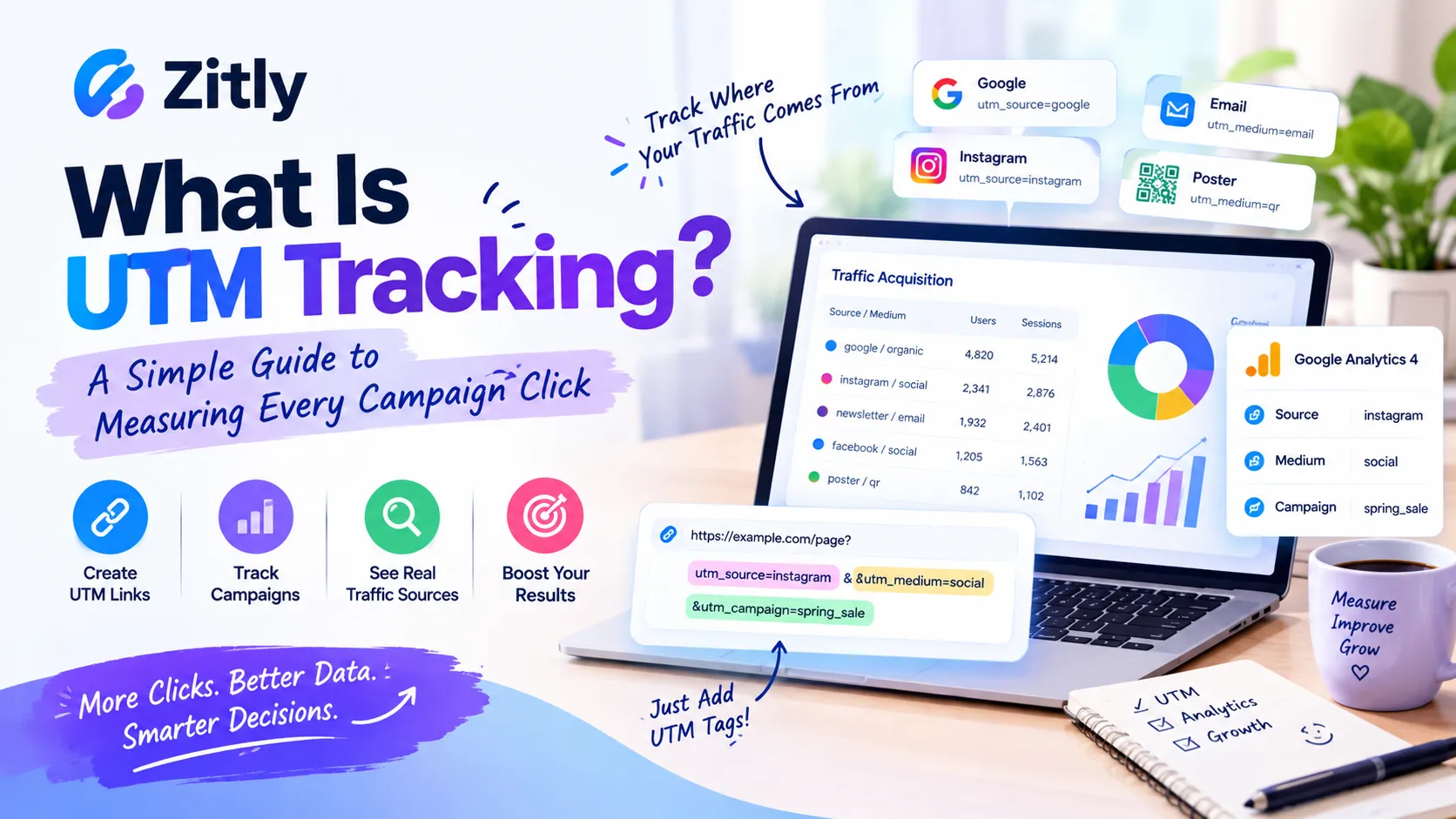
What is UTM tracking, and why do marketers rely on it? UTM tracking adds short tags to a link so your analytics tool can show which source, channel, and campaign sent each visitor. Without those tags, a click from your newsletter, your Instagram bio, and a printed poster can all look like the same direct visit. This guide explains the tags in plain English, walks through a full example, and shows how UTM tracking works in Klaviyo, Brevo, and GoHighLevel. You will also learn the mistakes that quietly ruin campaign data, plus a checklist to avoid them.
What Is UTM Tracking?
UTM tracking involves adding small tracking codes, known as UTM parameters, to a URL to identify where website traffic comes from. When someone clicks the link, your analytics tool reads the tags and records the source, medium, and campaign behind the visit. UTM stands for Urchin Tracking Module. |
The UTM naming system dates back to Urchin Software, which Google purchased in 2005. Its analytics technology contributed to the development of Google Analytics, while the use of UTM tags continued over time.
UTM parameters leave your webpage unchanged. They simply add tracking information to a URL, helping analytics platforms understand where visitors come from and how they reach your site.
These tags are also known as UTM codes, UTM links, or UTM tracking parameters. Each term refers to a standard URL with extra tracking details added to it.
How UTM Tracking Works
The process has three steps. You add tags to a link. A visitor clicks it. Your analytics tool reads the tags and files the visit under the right source, medium, and campaign. Here’s an example of a fully tagged URL for UTM tracking:
https://zitly.net/pricing?utm_source=newsletter&utm_medium=email&utm_campaign=spring_saleThe question mark starts the tags. Each tag is a name and value joined by an equals sign, and an ampersand separates tags. Google Analytics 4 shows these values in the Traffic acquisition report as session source, medium, and campaign, as Google’s Analytics Help explains. The page loads normally, so visitors never need to notice or understand the tags.
The UTM Parameters Explained
Google documents several parameters, but five do most of the work. Google advises that you always use the first three.
Parameter | Question it answers | Example | Status |
|---|---|---|---|
utm_source | Who sent the visit? | newsletter | Always use |
utm_medium | Which channel? | Always use | |
utm_campaign | Which promotion? | spring_sale | Always use |
utm_term | Which paid keyword? | running_shoes | Optional |
utm_content | Which link or creative? | top_button | Optional |
What Are the Four UTM Parameters?
Guides disagree on the number, so check what the author means. The classic set has five tags, and three are essential. When people say four, they often mean the newer GA4 tags that Google documents:
utm_id, utm_source_platform, utm_creative_format, and utm_marketing_tactic. Google notes that the last two are not currently reported in Google Analytics properties, so that most teams can skip them.
What Is UTM Medium?
The medium names the channel type, such as email, cpc, social, referral, or affiliate. It matters because Google Analytics uses it to sort traffic into default channel groups. A wrong medium can push your email clicks into the wrong bucket.
What Is a UTM Campaign?
The campaign names the promotion, such as spring_sale. Use one exact name per promotion. If you reuse a name for a new promotion, the old and new data merge, and you cannot compare them.
What Is UTM Content?
Content separates similar links inside one campaign. Google’s own example uses two call-to-action links in one email, each with a different content value, so you can see which one wins.
What Is UTM Tracking Used For?
Compare channels: see whether email, social, or paid ads bring more visits.
Pick the best link: test two buttons or banners with utm_content.
Measure offline campaigns: turn a tagged link into a code with a QR code generator, then scan the printed result with the barcode scanner to confirm the tags survived. A static code never expires, so the tags inside it keep working.
Track partners: give each influencer or affiliate a unique tagged link.
Judge email sends: see which messages bring buyers, not just opens.
A UTM Tracking Example: One Course Launch, Three Channels
Imagine you sell an online course and promote it in three places. Use the same campaign name, course_launch, on every link so the totals add up.
Channel | utm_source | utm_medium | utm_content |
|---|---|---|---|
Newsletter button | newsletter | top_button | |
Instagram bio | social | bio_link | |
Poster QR code | poster | qr | station_poster |
Custom mediums like qr may land in a generic channel group, so create a custom channel group if you want a separate row. After the campaign runs, open the Traffic acquisition report in GA4 and filter by campaign. You can then compare all three channels side by side.
How to Create UTM Tracking Links in Five Steps
Pick one naming rule. Use lowercase and underscores. Google treats values as case-sensitive, so SpringSale and Spring_Sale appear as different entries.
Set source, medium, and campaign. Always use all three. Missing tags can create (not set) values in your reports.
Add content or term only when needed. Extra tags help when you compare links or paid keywords. Otherwise, they add noise.
Build the link. Use Google’s Campaign URL Builder for one link, or our free UTM builder for batches. It offers bulk mode and CSV export.
Test and log it. Click the link in a private window, confirm the page loads, and save the link in a shared sheet.
Need a shorter link for a visible place like a social post? Build the tagged link first, then shorten it with a URL shortener. Shortening does not remove the tags.
What to Put in Each Tag by Channel
Channel | utm_source | utm_medium |
|---|---|---|
Email newsletter | newsletter | |
Organic Instagram post | social | |
Paid Facebook ad | paid_social | |
Google Ads search ad | cpc | |
Partner or blog link | partner_name | referral |
A Simple Naming System
Tag | Rule | Good example |
|---|---|---|
Source | Name the platform or sender | newsletter |
Medium | Name the channel type | |
Campaign | Name the promotion and period | course_launch_oct |
Content | Name the link position | top_button |
UTM Tracking in Email Marketing: Klaviyo and Brevo
Email platforms can add UTM tags for you, but each one works differently. Check your settings before you add manual tags.
UTM Tracking in Klaviyo
Klaviyo’s help center says utm_source and utm_medium are always on by default. Google Analytics also accepts utm_campaign, utm_id, and utm_term, which you can configure. If you use a list or segment name as the source, each recipient gets the name of the list or segment they belong to when you send. Klaviyo also offers variation letters, which help you compare A/B tested emails.
UTM Tracking in Brevo
Brevo adds tags automatically when you turn on Google Analytics tracking. It sets utm_source to brevo, utm_medium to email, and utm_campaign to your campaign name, and it adds a utm_id. In Google Analytics, look for brevo under session source.
Platforms also treat your own manual tags differently. Some keep them; others replace them. Send a test email and inspect the final link before you trust the data. Whatever the platform, keep the medium as email for every message, use the campaign for the send name, and use content to separate buttons.
UTM Tracking in GoHighLevel (GHL)
GoHighLevel, also written Go High Level, stores a first attribution and a latest attribution on each contact. These records include UTM fields such as source, medium, and content, and the values commonly come from the tracking parameters in your links, according to HighLevel’s support portal. Dashboard widgets can then filter contacts by first or latest attribution, as HighLevel documents.
First attribution: use it to see which channel originally brought the lead.
Latest attribution: use it to see what recent touch pushed the lead to act.
Test contact: click a tagged link, submit a form, and confirm the UTM values saved.
How to Read UTM Data in GA4
Open the Traffic acquisition report, then ask three questions. Compare at least a few weeks of data before you decide, because one busy day can mislead you.
Which source sends the most visits?
Which campaign earns the most conversions, not just clicks?
Which content value wins when two links share one campaign?
Google Ads Auto Tagging and UTM Tags
Google Ads has its own auto tagging, which adds a gclid parameter to your landing page address. This parameter helps GA4 attribute traffic to Google Ads in its advertising reports.
Manual UTM tags solve a different problem: they let you compare Google Ads with every other channel in one report. You can keep both. Leave auto-tagging on for Google’s own reports, and add UTM tags when you need that side-by-side view.
What UTM Tags Cannot Do?
UTM tracking only measures tagged clicks. A link copied into a private chat without tags often appears as direct traffic. People who block analytics also stay invisible. And UTM tags show where a visit began, not whether the visitor bought anything. Use events and conversions for that part of the story.
Mistakes That Corrupt Your UTM Data
Mixed capitalization: Email and email split into two rows.
Missing tags: if you set one tag, set all relevant tags, or reports can show (not set).
Tagged internal links: tag only links that bring people to your site from outside. An internal tagged link can start a new session and hide the real source.
Reused campaign names: add a date or version to every new promotion.
Spaces in values: a space becomes %20 in the link and looks messy in reports.
Personal data: never put names or email addresses in a UTM value. Anyone who sees the link can read them.
Checklist Before You Publish a Tagged Link
Values use lowercase and underscores
Source, medium, and campaign are all set
You tested the link in a private window
The link sits in your shared tracking sheet
Internal links carry no tags
A canonical tag points to the clean page address
Conclusion
What is UTM tracking? It is a simple labeling system that turns anonymous clicks into campaign data. Keep your names consistent, set source, medium, and campaign every time, and test each link before launch. When you are ready, build your first tagged link with the free UTM builder.
Frequently Asked Questions
Q: What does UTM stand for?
UTM stands for Urchin Tracking Module, named after the analytics company Google acquired in 2005.
Q: What’s the Difference Between UTM Source and Medium?
The UTM source identifies where a visitor came from, such as a specific newsletter or website. The medium describes the traffic channel, such as email or social media. Simply put, the source tells you who sent the visitor, while the medium explains how they arrived.
Q: What is a UTM tracker or tracking code?
It simply refers to the tracking parameters attached to a URL, not a standalone application. The actual data collection and analysis are handled by your analytics platform.
Q: Are UTM parameters case sensitive?
Yes. Email and email count as different values, so stick to lowercase.
Q: Are UTM tags free to use?
Yes, UTM parameters are simple text added to a URL, and Google Analytics can process them without charging you for the feature.
Many builders, including ours, are free too.
Q: Do UTM parameters hurt SEO?
They do not change your page, but tagged URLs can look like duplicates. Keep a canonical tag on the clean page, and avoid tagging internal links.
Q: Can a UTM tag identify a person?
Not by itself. A UTM tag labels the link, not the visitor. Keep personal data out of it.
Q: Where do I see UTM data in GA4?
Open the Traffic acquisition report and view session source, medium, and campaign.

Fahad Ahmad
Founder of ZITLY · Digital Entrepreneur · SEO & SaaS Specialist
Fahad Ahmad is the founder of ZITLY and a digital entrepreneur with over 10 years of experience in SEO, digital marketing, SaaS development, and web technologies. He specializes in creating practical online tools that help marketers, designers, developers, and business owners work more efficiently.
Through ZITLY, Fahad publishes tutorials, tool comparisons, productivity resources, and research-driven guides focused on simplifying digital workflows and improving online performance.
Related Articles
View all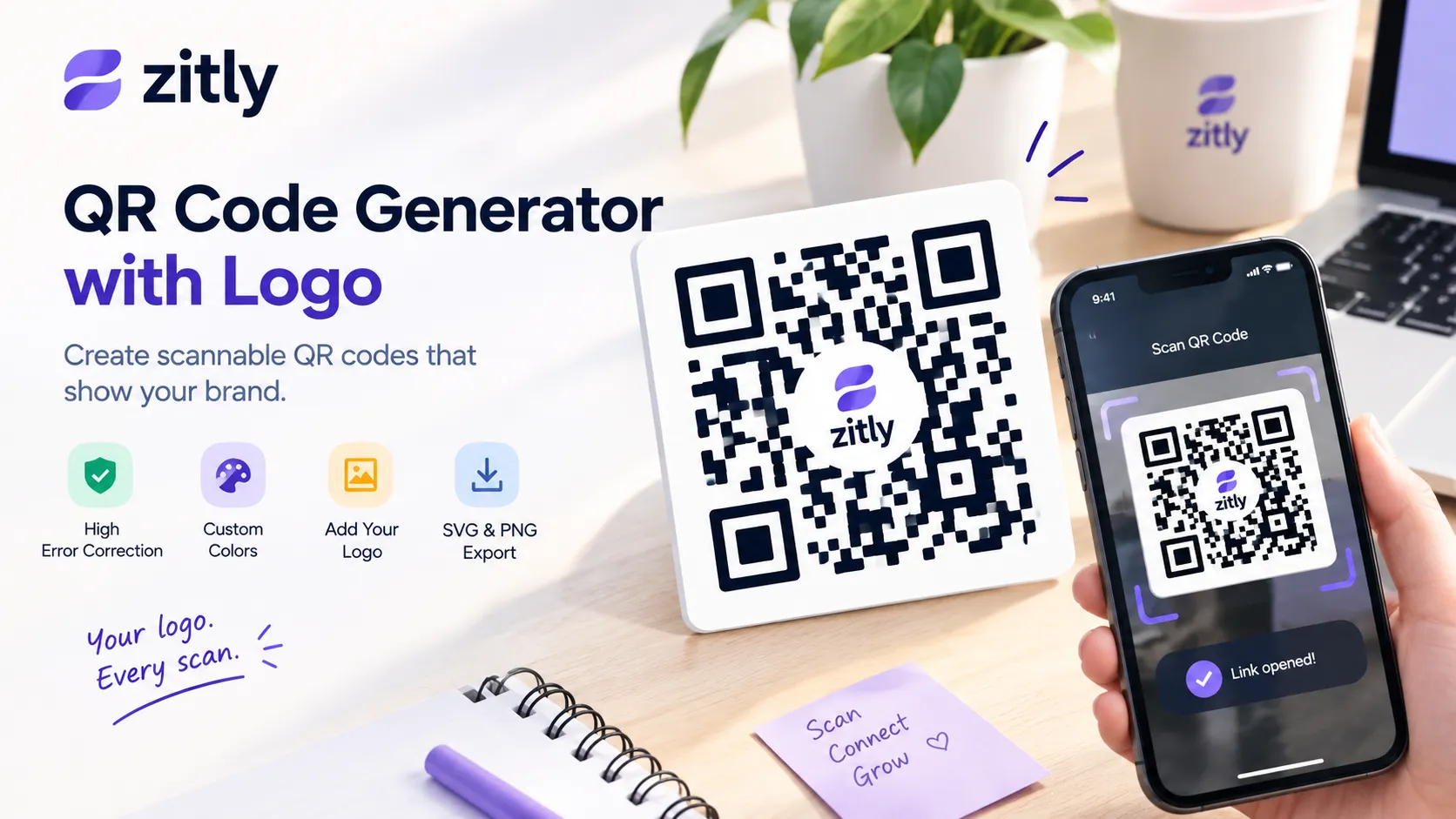
Create a QR code with a logo that stays scannable. Learn about logo size, error correction, colors, testing, printing, and free QR code tips.
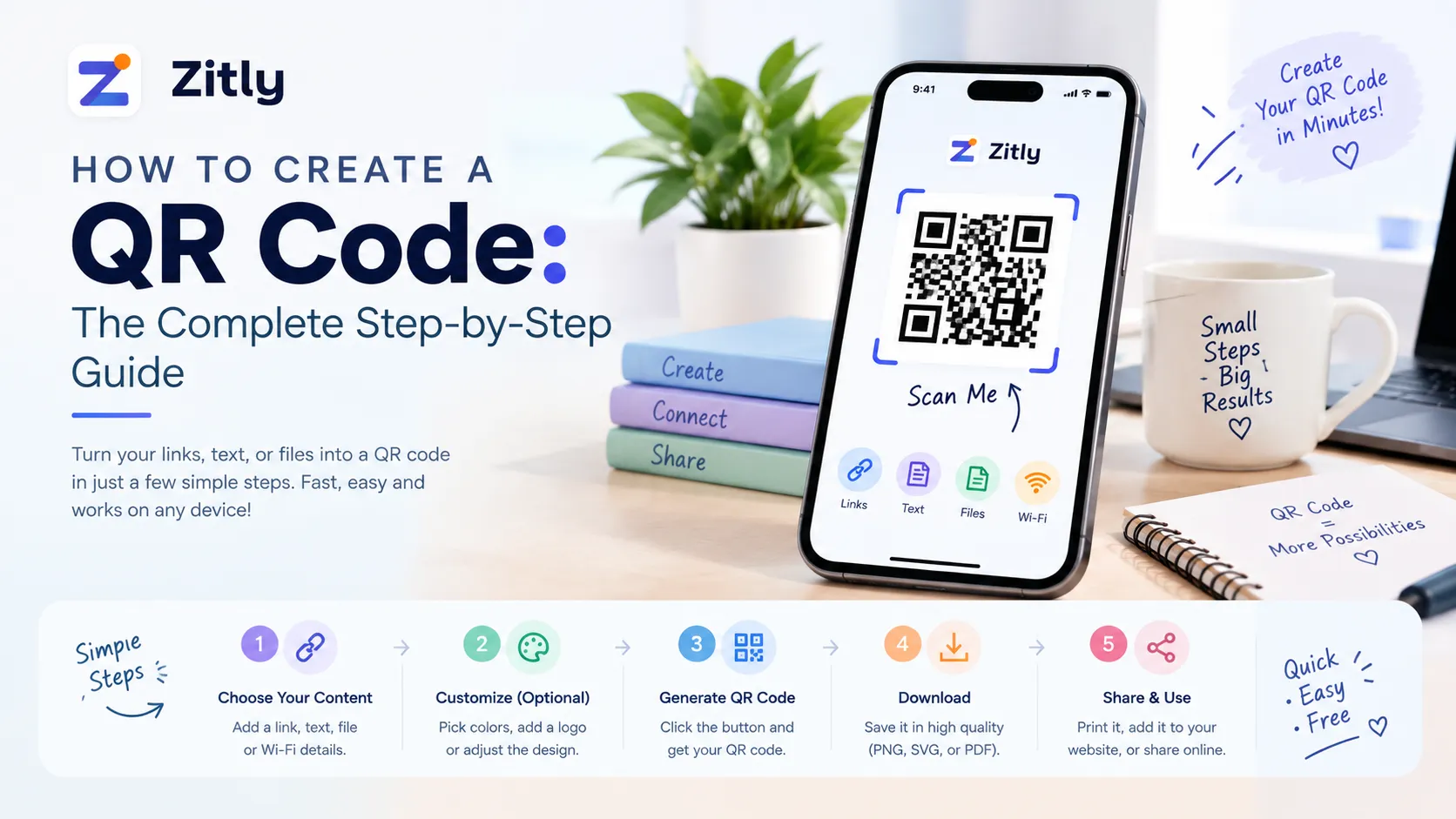
Learn how to create a QR code in minutes. Compare static vs. dynamic codes, follow the steps, avoid common design mistakes, and test before you print.
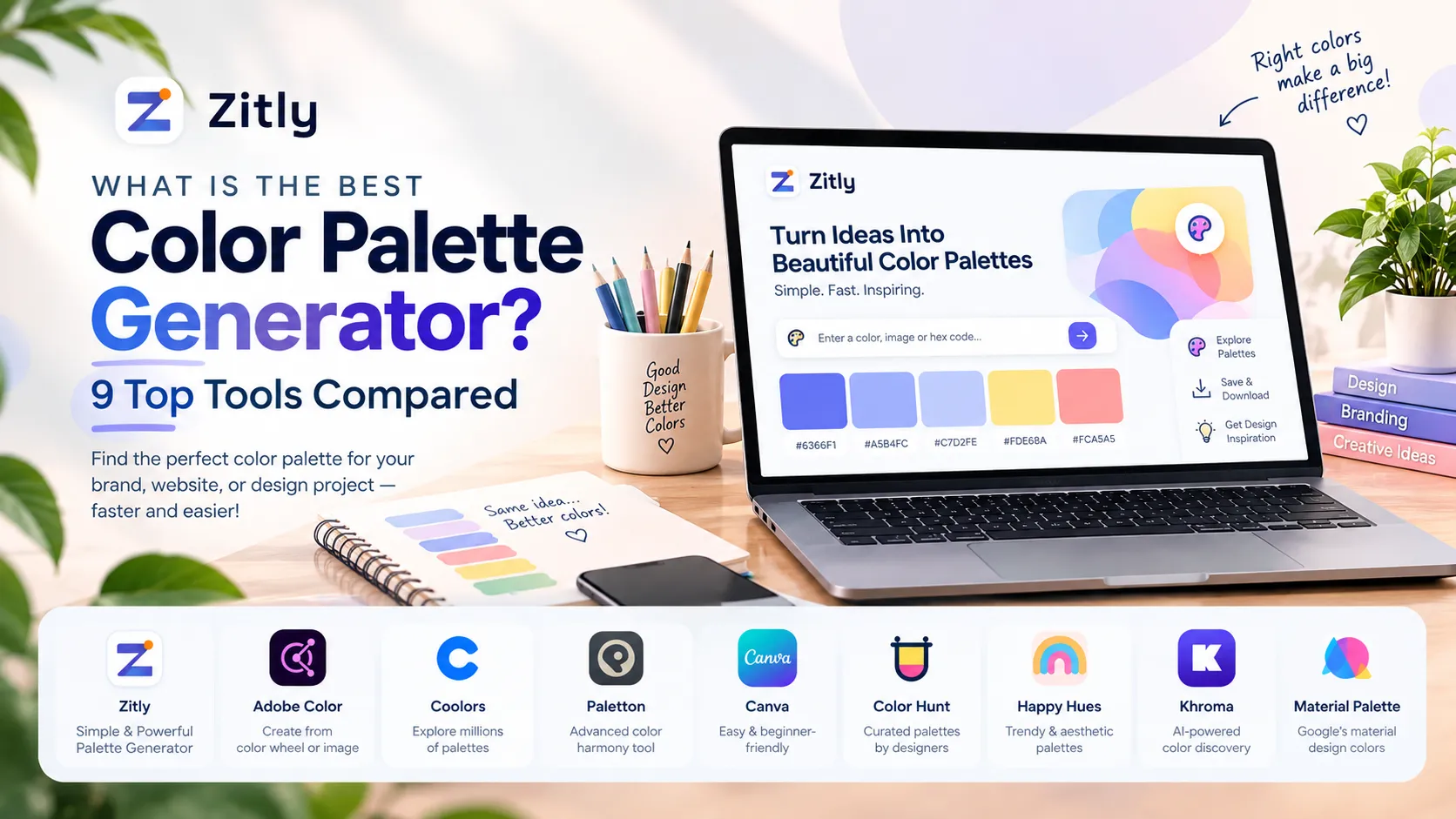
Find the best color palette generator for your project. Compare free, AI, and photo tools, then follow a simple workflow to build a palette that works.