
What Is the Best Color Palette Generator? 9 Top Tools Compared
Find the best color palette generator for your project. Compare free, AI, and photo tools, then follow a simple workflow to build a palette that works.
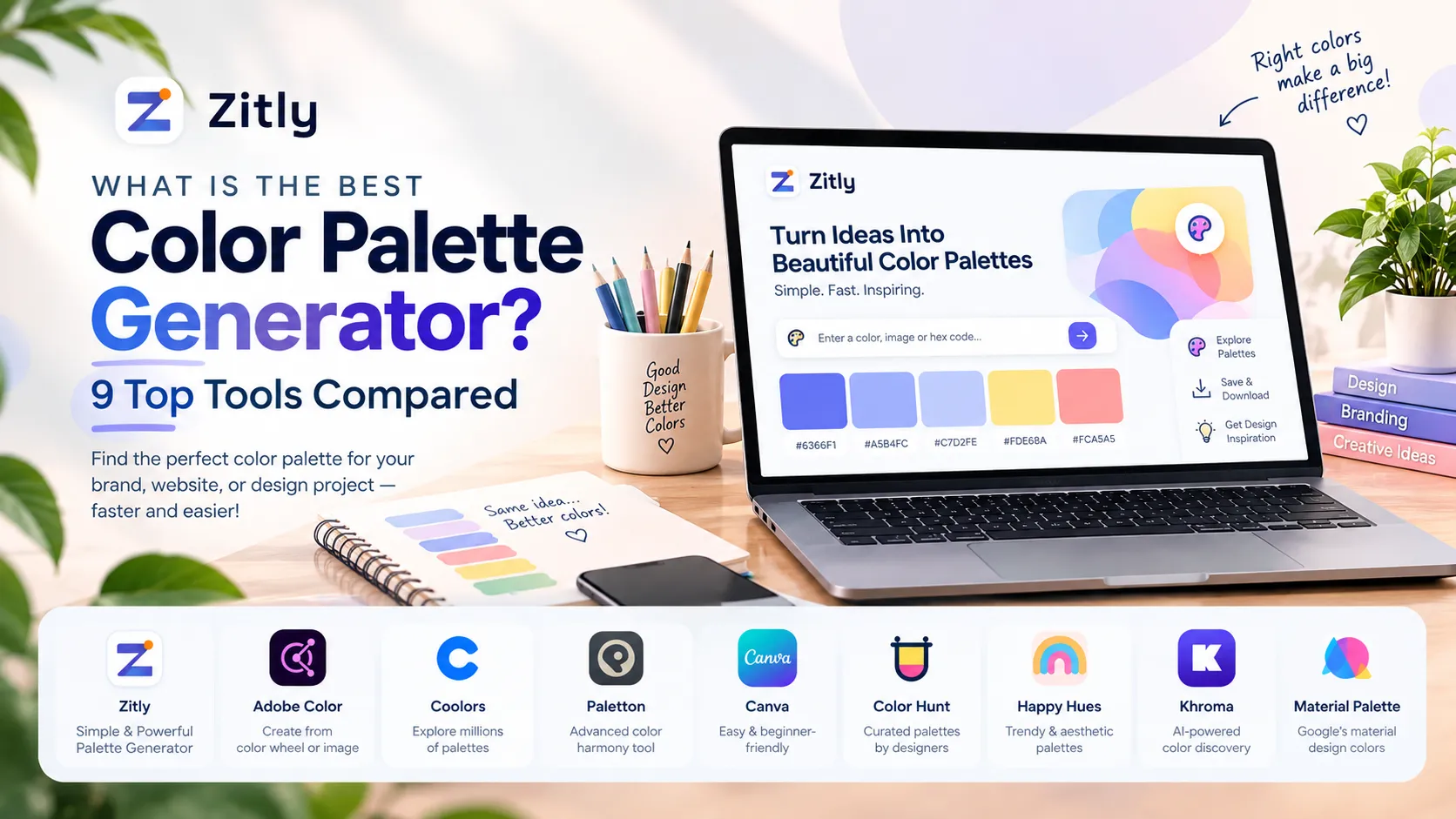
Coolors is the best color palette generator for most people. You press the spacebar, lock colors you like, extract colors from photos, check contrast, and export to CSS, Tailwind, or Figma. Adobe Color is the best free choice for color theory. Khroma and Huemint are best for AI ideas.
Best Color Palette Generators Compared
Tool | Best for | Cost | Standout feature |
|---|---|---|---|
Coolors | Speed and exports | Free, paid Pro | Lock colors and reshuffle |
Adobe Color | Color theory | Free with Adobe account | Harmony rules on a wheel |
Khroma | Personal taste | Free | Learns from colors you pick |
Huemint | Brand and web previews | Free | AI palettes shown on mockups |
Paletton | Classic schemes | Free | Wheel with vision simulation |
Canva | Photos and social posts | Free, paid plans | Palette from any photo |
Color Hunt | Inspiration | Free | Curated four color sets |
Colormind | Quick AI ideas | Free | Deep learning generator |
Zitly | Contrast checks and CSS export | Free, no signup | 8 harmonies with WCAG scores |
What Makes a Good Color Palette?
A good color palette solves a job. It helps people read, click, and remember your brand. Check every palette against these five points:
Contrast: Normal text needs at least 4.5:1 against its background to meet WCAG AA.
Limited hues: Most strong brands use one or two hues plus neutrals.
Clear roles: Give each color a job: primary, secondary, accent, background, or text.
Consistent temperature: Mix warm and cool colors on purpose, never by accident.
Context testing: Swatches lie. A palette that looks great in a grid can fail on a real button.
Designers also use the 60/30/10 rule: 60 percent dominant color, 30 percent secondary, and 10 percent accent. It works for websites, slides, and living rooms.
How to Choose the Right Color Palette Generator
Ask four questions before you pick a tool:
Where do you start? From nothing, a photo, or a brand HEX code?
Do you need accessibility checks? Public websites and apps should say yes.
Which format do you need? HEX, RGB, HSL, CSS variables, or a Tailwind config.
Do you work alone or with a team? Teams need shared libraries and plugins.
Detailed Tool Reviews
1. Coolors: Best Overall
Coolors wins on speed. Press the spacebar, lock the colors you like, and reshuffle the rest. It extracts colors from photos, tests contrast, previews palettes on layouts, and exports to CSS, SVG, and Tailwind. The free plan limits palette size and saved palettes, so heavy users may need Pro. Check current plan limits before you pay.
2. Adobe Color: Best for Color Theory
Adobe Color teaches you why colors work. Pick a rule such as analogous, triad, or complementary, then drag points on the wheel. It extracts colors from images and includes accessibility tools, including color blindness views. You need a free Adobe account to save palettes.
3. Khroma: Best AI Tool for Personal Taste
Khroma learns from the colors you choose, then builds endless combinations around your taste. It helps when generic palettes bore you. It offers fewer export and accessibility tools, so pair it with a contrast checker.
4. Huemint: Best for Brand and Website Previews
Huemint uses AI to generate palettes for brands, websites, and graphics, then shows them on mockups. You judge colors in context, not as flat swatches. Results vary, so run several rounds and save the best.
5. Paletton: Best for Classic Color Schemes
Paletton builds monochromatic, adjacent, triad, and tetrad schemes on a traditional wheel and previews them on a sample page. It also simulates color blindness. The interface looks dated, but the logic is solid.
6. Canva Color Palette Generator: Best for Photos
Canva turns any photo into a color set in seconds. It suits creators and small business owners who already design in Canva. It offers fewer advanced controls than dedicated tools.
7. Color Hunt: Best for Inspiration
Color Hunt is a library of curated four-color palettes. You browse by mood or trend instead of generating. It works when you need ideas fast, but you must test contrast yourself.
8. Colormind: Best for Quick AI Ideas
Colormind uses a deep learning model trained on photographs, film, and popular art. It previews palettes on sample layouts, and developers can use its API. Filmmakers can also start from a reference still to plan a grade.
9. Zitly Color Palette Generator: Best for Contrast-Checked Palettes
The Zitly Color Palette Generator starts from a hex color, a photo, or a project name. It offers eight harmony types and scores every color for WCAG contrast against white and black. You can copy CSS variables, HEX, RGB, or HSL. It runs in your browser with no account, and it uses color theory rules instead of AI, so results stay predictable.
Which Color Palette Generator Fits Your Situation?
Beginners: Coolors or Canva, because both need no color theory.
Brand designers: Coolors for exploring, Adobe Color for refining.
Developers: Coolors exports, Zitly CSS variables, or the Colormind API.
Students and teachers: Adobe Color and Paletton explain the logic.
Experienced designers rarely rely on one tool. A typical workflow starts in Coolors, adjusts harmony on the Adobe Color wheel, and previews the result in Huemint.
Best Color Palette Generator From an Image or Photo
Photos work because real scenes already balance color. Upload an image to Coolors, Adobe Color, or Canva, and each returns dominant colors. Then apply three rules:
Choose a photo that matches your brand mood, not just one you like.
Delete muddy colors and keep clean ones.
Strengthen one color as your accent, because photo colors often lack punch.
Compress the photo before you publish it. The Image Optimizer exports WebP, AVIF, PNG, and JPEG, which keeps pages fast.
How to Build a Six Color Palette Step by Step
Set one anchor. Enter your brand HEX code or upload a photo.
Pick a harmony. Use analogous for calm and complementary for energy. The Zitly Color Palette Generator lets you try complementary, triadic, and monochrome rules in your browser.
Assign six roles. Primary, secondary, accent, background, surface, and text.
Test contrast. Aim for 4.5:1 for body text and 3:1 for buttons and icons. Verify ratios with the WebAIM contrast checker.
Preview on a real layout. Check buttons, forms, and cards on a phone.
Export by role. Name CSS variables primary and surface, not blue and light gray. Then turn two palette colors into a smooth background with the CSS gradient generator.
How to Choose a Color Palette for Your Home
Start with fixed items: floors, countertops, and large furniture.
Apply 60/30/10 across walls, furniture, and accents.
Match undertones. Keep whites, grays, and woods either warm or cool.
Test paint samples on two walls and check them in morning and evening light.
Upload a room photo to Coolors or Canva to find colors that already fit.
Color Combinations That Work
People often ask for the three best colors that go together. These sets are safe starting points:
Navy, white, and gold for trust and polish.
Forest green, cream, and terracotta for warm, natural brands.
Charcoal, teal, and warm gray for modern tech brands.
Soft blue, sand, and coral for friendly, relaxed designs.
For an AI website, try deep navy, electric teal, a light gray background, and one bright accent for calls to action.
Best Chrome Color Picker Extensions
Coolors offers an extension that grabs colors from any page. ColorZilla adds an eyedropper and page color analysis. Eye Dropper keeps things simple. Pick one that copies a HEX code in one click, then save the result to your generator.
Common Mistakes People Make With Color Palettes
Using too many hues, which makes brands look messy.
Skipping contrast tests and losing readers.
Trusting the first random result.
Relying on red versus green alone, which fails many color blind users.
Naming colors by shade instead of role.
Forgetting dark mode until launch week.
Conclusion
The best color palette generator is the one that fits your workflow. Start with Coolors for speed, use Adobe Color to check your theory, and try Khroma or Huemint when you need fresh ideas. Then test every palette on a real layout before you publish.
Frequently Asked Questions
Q: What is the best color palette generator?
Coolors is the best choice for most people because it combines speed, photo extraction, contrast checks, and exports.
Q: What is the best free color palette generator?
Adobe Color, Khroma, Paletton, Color Hunt, Colormind, and Zitly are free. Coolors also has a useful free plan.
Q: What is the best color palette generator from a photo?
Coolors, Adobe Color, Canva, and Zitly all extract colors from photos. Coolors gives the fastest editing afterward.
Q: What is the best color picker extension for Chrome?
ColorZilla and the Coolors extension are strong picks. Choose based on whether you want an eyedropper or palette saving.
Q: What is the best color scheme?
No single scheme wins. Analogous schemes feel calm, complementary schemes feel energetic, and 60/30/10 keeps either balanced.
Q: How many colors should a palette have?
Five or six work for most brands: one or two core colors, an accent, and neutrals.
Q: What is a good color palette for a website?
Use one or two brand colors, light and dark neutrals, and one accent, all tested for contrast.
Q: Can I generate a palette from a HEX code?
Yes. Enter your HEX code as the base color in Coolors, Adobe Color, or Zitly, then build around it.
Q: What is the best color palette generator for designers?
Coolors suits daily speed, Adobe Color suits theory, and Huemint suits mockup previews.
Q: Are AI palette generators better?
Not always. They add fresh ideas, but you still need to test contrast and context.

Fahad Ahmad
Founder of ZITLY · Digital Entrepreneur · SEO & SaaS Specialist
Fahad Ahmad is the founder of ZITLY and a digital entrepreneur with over 10 years of experience in SEO, digital marketing, SaaS development, and web technologies. He specializes in creating practical online tools that help marketers, designers, developers, and business owners work more efficiently.
Through ZITLY, Fahad publishes tutorials, tool comparisons, productivity resources, and research-driven guides focused on simplifying digital workflows and improving online performance.